· by NetProtector Security Team
Microsoft 365 and OneDrive offline: lessons from the 2026 outages
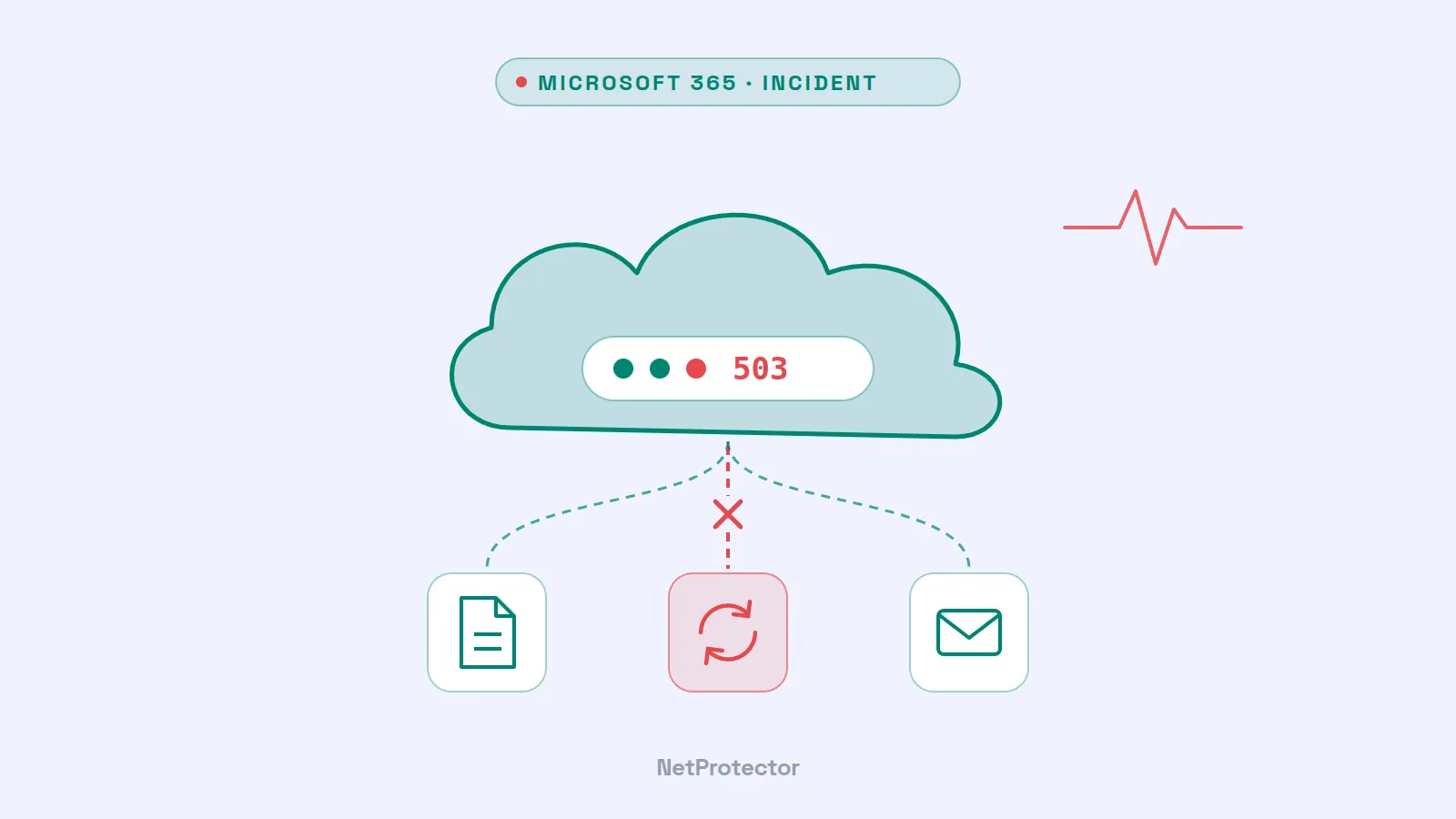
At the end of August, work ground to a halt for many organizations in Europe and around the world: Exchange Online, OneDrive for Business, SharePoint and Teams were disrupted for hours, and search in Microsoft 365 remained affected well into the following day. Just a few weeks earlier, a faulty update had already impaired search in Outlook and OneDrive. Time to reflect on the dependency on a single cloud provider.
What happened
August 18, 2026 – search disrupted. Users in parts of the Microsoft infrastructure were no longer able to search reliably in Outlook, SharePoint Online and OneDrive. Microsoft attributed this to a recently rolled-out update that consumed excessive resources (incident MO1456424 in the admin center) and deployed a fix.
August 31, 2026 – large-scale outage. Around midday (UTC), reports of problems with Exchange Online began to accumulate. In the afternoon, Microsoft expanded the scope of the incident: affected were connectivity, search and mail flow in Exchange Online, file access, synchronization and search in OneDrive for Business and SharePoint Online, search, calendar and presence in Teams, as well as Copilot features that access Microsoft 365 data. Microsoft cited the cause as a problem in a central authentication configuration shared by several Microsoft 365 services. Mail connectivity was largely restored by the evening, while search took until September 1 to recover.
Microsoft has not yet published a detailed public post-incident report – details on the start and duration vary slightly depending on the source.
What we can learn from this
Neither incident was an attack; both were operational errors. For those affected, this makes little difference: when email, files and telephony are hosted by a single provider and a shared component such as sign-in fails, everything fails at once. Availability is one of the three security objectives of information security – and it cannot be fully delegated to a service provider.
What you should prepare
- Make emergency communication independent. Keep a channel ready that does not depend on Microsoft 365 – such as a phone tree, a messenger or a status page. If you only start thinking about how to reach your workforce once the outage has occurred, you lose hours.
- Keep critical data available locally as well. For emergency plans, contact lists and credentials, an offline or third-party copy should be standard practice.
- Your own backup, not just the recycle bin. Microsoft ensures availability but does not protect against every type of data loss. An independent backup of mailboxes and OneDrive content makes sense – although, in light of the ConnectWise incident, with carefully restricted permissions for the backup service.
- Monitor service health. The Microsoft 365 admin center reports disruptions with an incident number. An alert to IT management saves time in an emergency when searching for the cause in your own network.
- Document dependencies. Which processes come to a standstill when sign-in to Microsoft does not work? The answer belongs in the business impact analysis and – for organizations subject to NIS2 – in risk management.
Our assessment
Cloud services are generally far more available than self-operated servers. But they concentrate risk: a single error at the provider affects thousands of customers simultaneously. The right response is not to withdraw from the cloud, but to have a plan for the hours when it does not work.