· by NetProtector Security Team
Fortinet: FortiCloud SSO flaw also hits already patched FortiGates
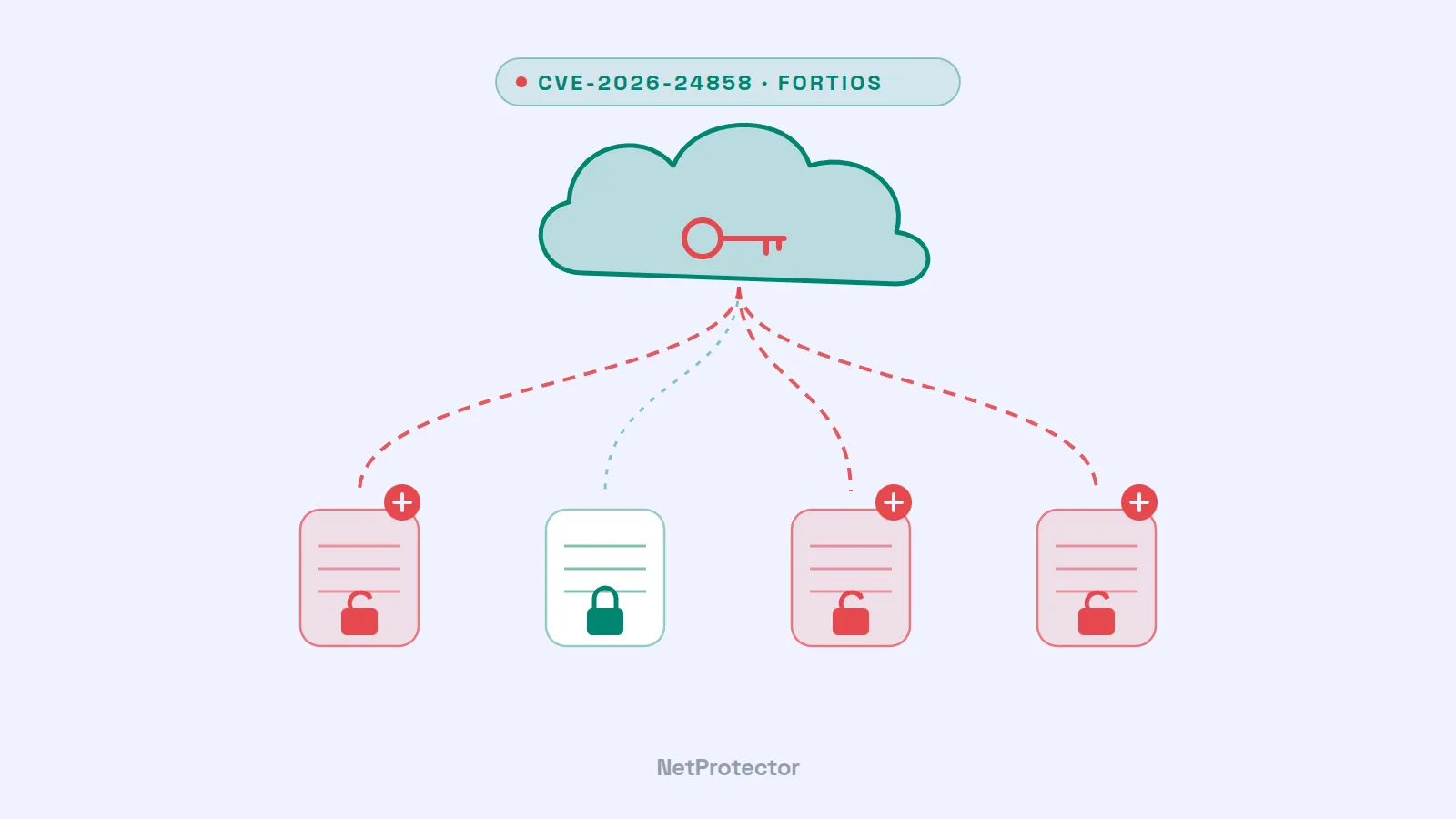
Anyone who registers their FortiGate with FortiCare often enables a convenient feature along the way: administrator login via FortiCloud single sign-on. This is exactly the route attackers recently used to log in as administrators on other organizations' firewalls – including devices that had installed all the updates from December. Fortinet published the vulnerability CVE-2026-24858 on January 27, 2026, and the US agency CISA added it to its catalog of actively exploited vulnerabilities on the same day.
What it is about
FortiCloud SSO lets you log in to the management interface of a registered FortiGate directly with your FortiCloud account. The feature is disabled by default. However, it is enabled when the device is registered, unless the administrator explicitly turns off the option “Allow administrative login using FortiCloud SSO”. The flaw: an attacker with their own FortiCloud account and their own registered device could use it to log in to devices belonging to other accounts as well.
The key facts according to Fortinet advisory FG-IR-26-060 of January 27, 2026:
- Severity: critical, CVSS 9.8 in the current advisory. Initial reports cited 9.4 – that is the temporal score, which factors in the state of exploitation and patching.
- Affected: FortiOS 7.0 to 7.6 (up to and including 7.6.5, 7.4.10, 7.2.12 and 7.0.18) as well as FortiProxy 7.0 to 7.6. FortiManager, FortiAnalyzer, FortiWeb and FortiSwitchManager are also affected. FortiOS 8.0 and 6.4 are not – nor are installations that use their own identity provider, such as FortiAuthenticator.
- Fixed in: FortiOS 7.6.6, 7.4.11, 7.2.13 and 7.0.19, and FortiProxy 7.6.5, 7.4.13, 7.2.16 and 7.0.23. The updates were released in stages in the days following the advisory.
- Prerequisites for the attack: a FortiCloud account with a registered device on the attacker's side and FortiCloud SSO login enabled on the target device. The attacker does not need the victim's credentials.
- Impact: administrator access to the firewall – and thus to its configuration, its accounts and its VPN settings.
Why this is urgent
The vulnerability has a history. On December 9, 2025, Fortinet had published two other flaws in the same feature, CVE-2025-59718 and CVE-2025-59719. They had been discovered during an internal code review but were actively exploited just a few days later – CISA listed CVE-2025-59718 as exploited from December 16. Anyone who had updated promptly at that time had good reason to feel safe.
From January 15, 2026, however, the security company Arctic Wolf observed a new wave of automated attacks: logins via FortiCloud SSO, immediately followed by the download of the firewall configuration, the creation of additional administrator accounts with inconspicuous names such as “secadmin” or “support”, and changes granting these accounts VPN access. All within a few seconds. Fully patched devices were affected as well – Fortinet confirmed that a new attack path was being used.
Fortinet blocked the two abused FortiCloud accounts, disabled FortiCloud SSO login on the cloud side for all customers on January 26 and brought it back online a day later – now without support for vulnerable versions. This is an unusually far-reaching measure that also protected unpatched devices from further logins via this route. For devices that had already been compromised, however, it came too late: the accounts that were created and the configurations that were exfiltrated remain.
This is precisely what makes the case so delicate. An exported configuration contains password hashes that can be cracked offline. And a locally created administrator account keeps working even after the SSO vulnerability has long been closed. In their publications, Fortinet and Arctic Wolf have not attributed the attacks to any specific group.
What you should do now
- Update. For FortiOS, install at least 7.6.6, 7.4.11, 7.2.13 or 7.0.19; for FortiProxy, the versions listed above. Also check FortiManager, FortiAnalyzer, FortiWeb and FortiSwitchManager against the advisory.
- Review FortiCloud SSO login. If you do not need the feature, disable it under System > Settings (“Allow administrative login using FortiCloud SSO”) or via CLI with
set admin-forticloud-sso-login disableunderconfig system global. - Restrict management access. The administration interface should not be freely reachable from the internet. Fortinet recommends a separate management access or at least a local-in policy that only permits known IP addresses.
- Review logs and accounts. Look for SSO logins from unknown accounts, downloaded configurations and administrator accounts that nobody knowingly created. Fortinet lists accounts and IP addresses as indicators in its advisory – but the names changed over the course of the attacks, so check all accounts.
- If in doubt, treat the device and its configuration as compromised: remove unknown accounts and VPN changes or restore a clean configuration, and reset all credentials – including those of connected LDAP or AD accounts.
What this means for firewall protection
The case highlights a problem that affects the entire industry, not just one vendor: the firewall is the device meant to protect the network, and at the same time one of the most rewarding targets within it. Every feature reachable from the outside – VPN portal, management interface, cloud login – is a potential entry point. And as in this case, there can be a gap of days between the first attacks and the finished patch, during which even carefully maintained devices are exposed.
NetProtector adds an extra layer in front of the firewall at exactly this point. The appliance is placed inline in front of the firewall and inspects traffic before it reaches the firewall:
- Known attacker sources stay out. Those who mass-scan firewalls on the internet for vulnerabilities rarely target just one device. Addresses that the NetProtector sensor network has already seen engaging in such activity are blocked before they can even reach your device.
- Unusual patterns become visible. Systematic scans for management interfaces, clusters of login attempts or access at a rate no human could produce are anomalies that NetProtector detects and reports.
- More breathing room until the update. NetProtector does not close any vulnerability in the firewall – only the patch can do that. But it reduces how many attackers can reach the firewall at all during the critical window between disclosure and update.
How NetProtector detects these patterns and how it fits between router and firewall without restructuring your network is explained on the page How NetProtector works.
Our assessment
Fortinet responded quickly and decisively – simply shutting off the cloud login for everyone was an inconvenient but effective step. Still, the case is instructive: convenience features such as a cloud login expand the attack surface, often without anyone being aware of it. And an update closes the vulnerability but does not clean up what attackers left behind beforehand. Good protection therefore starts with the question of which features a firewall really needs to expose to the outside – and continues with prompt updates, monitoring of accounts and logs, and a protective layer in front of the firewall that intercepts attackers before they can even try.
Sources
- Fortinet PSIRT: FG-IR-26-060 – Administrative FortiCloud SSO authentication bypass
- Fortinet PSIRT Blog: Analysis of Single Sign-On Abuse on FortiOS
- CISA: Fortinet Releases Guidance to Address Ongoing Exploitation of Authentication Bypass Vulnerability CVE-2026-24858
- Arctic Wolf: Malicious Configuration Changes On Fortinet FortiGate Devices via SSO Accounts
- Help Net Security: Fortinet starts patching exploited FortiCloud SSO zero-day (CVE-2026-24858)
- Rapid7: Critical vulnerabilities in Fortinet CVE-2025-59718, CVE-2025-59719 exploited in the wild